
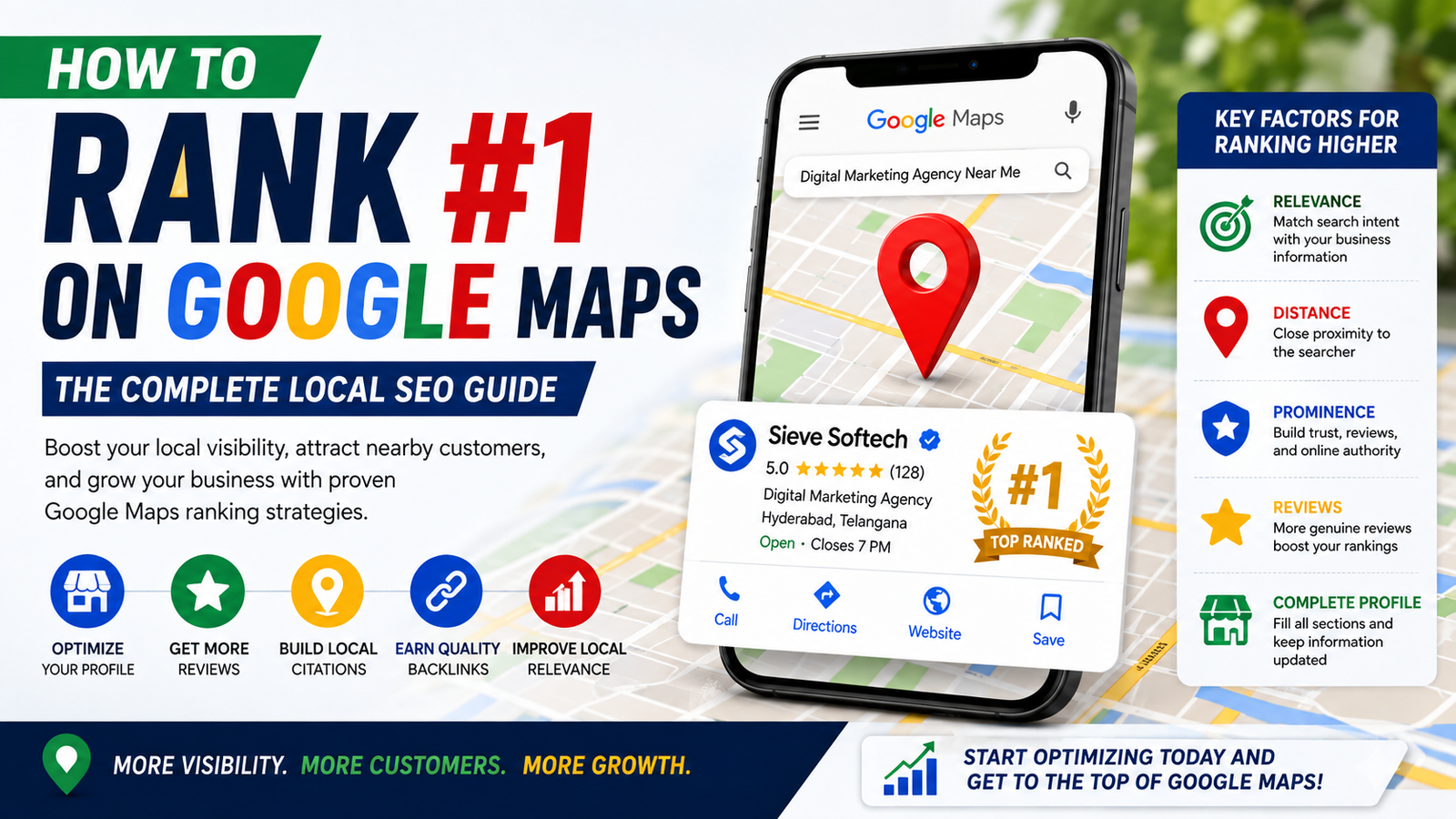
How to Rank #1 on Google Maps: A Complete Local SEO Guide for 2026
Introduction
If you run a local business, appearing at the top of Google Maps can put your brand directly in front of customers who are ready to buy. When someone searches for “best dentist near me,” “digital marketing agency in Hyderabad,” or “restaurant near me,” Google Maps often becomes one of the first places they look.
But ranking #1 on Google Maps isn’t simply about adding keywords to your Google Business Profile. Google’s local search system evaluates multiple signals to determine which businesses are most relevant, trustworthy, and geographically appropriate for a search.
The good news is that you don’t need to guess your way through Local SEO. By optimizing your Google Business Profile, building local authority, collecting genuine reviews, improving your website, and maintaining accurate business information, you can significantly improve your chances of ranking higher in Google Maps.
In this guide, we’ll explain how Google Maps rankings work, the most important ranking factors, common mistakes to avoid, and a practical strategy you can follow in 2026.
What Is Google Maps SEO?
Google Maps SEO is the process of optimizing your business presence so that your company appears prominently in Google Maps and local search results.
When users search for a local service, Google typically displays a group of nearby businesses known as the local pack.
For example:
“Best SEO agency in Hyderabad”
Google may show three businesses prominently in the local results, followed by additional businesses on Maps.
Getting into these top positions can generate:
- More calls
- More website visits
- More direction requests
- More enquiries
- More store visits
- More qualified leads
That’s why Google Maps optimization is an essential part of Local SEO.
How Google Determines Google Maps Rankings
Google primarily considers three major factors when ranking local businesses:
1. Relevance
How closely does your business match what the customer is searching for?
Your:
- Business category
- Services
- Business description
- Products
- Website content
all help Google understand relevance.
2. Distance
Google considers how close your business is to the searcher or the location specified in the query.
For example, someone searching for:
“Restaurant near Kukatpally”
will generally see businesses relevant to Kukatpally before businesses located much farther away.
You can’t manipulate your physical location, but you can make your service areas and address information accurate.
3. Prominence
Prominence refers to how well-known and trusted your business appears to be.
Google may consider signals such as:
- Reviews
- Website authority
- Local citations
- Links
- Business mentions
- Online reputation
Improving prominence takes time, but it can have a significant impact on Maps visibility.
Step 1: Claim and Verify Your Google Business Profile
The first step is making sure you own and control your Google Business Profile.
A verified profile gives you the ability to manage important information such as:
- Business name
- Address
- Phone number
- Website
- Business hours
- Categories
- Photos
- Services
Make sure your information is accurate and matches your real-world business.
Step 2: Choose the Right Primary Category
Your primary category is one of the most important Google Maps ranking signals.
For example, if you run a dental clinic, your primary category should accurately describe the business rather than using an unrelated category.
You can also add relevant secondary categories where appropriate.
Important Tip
Don’t choose categories simply because they have high search volume. Choose categories that accurately represent what your business actually does.
Step 3: Optimize Your Business Information
Complete every relevant section of your Google Business Profile.
Include:
- Correct business name
- Accurate address
- Local phone number
- Website
- Business hours
- Holiday hours
- Service areas
- Business description
- Services
- Products
A complete profile gives Google more information to understand your business.
Step 4: Write a Helpful Business Description
Your description should explain:
- What you offer
- Who you serve
- Where you operate
- What makes your business different
For example:
“Sieve Softech is a digital marketing agency providing SEO, Google Ads, social media marketing, website development, and Local SEO services for businesses looking to increase their online visibility and generate qualified leads.”
Use relevant keywords naturally.
Avoid keyword stuffing.
Step 5: Add Detailed Services
Many businesses make the mistake of listing only a few services.
Instead, create detailed service entries.
For a digital marketing agency, these might include:
- Local SEO
- Google Business Profile Optimization
- Google Ads
- Social Media Marketing
- Content Marketing
- Website Development
- Technical SEO
Detailed service information helps Google understand exactly what your business offers.
Step 6: Upload High-Quality Photos
Photos are important for both visibility and customer trust.
Upload original images of:
- Storefront
- Office
- Team
- Products
- Services
- Equipment
- Completed projects
- Interior spaces
Avoid using generic stock photos whenever possible.
Fresh, authentic images help customers understand what your business looks like before they visit.
Step 7: Get More Genuine Reviews
Reviews are one of the most important parts of Google Maps SEO.
A business with:
4.8 stars and 250 genuine reviews
may appear more trustworthy to customers than a business with:
4.2 stars and 20 reviews.
However, don’t focus only on the star rating.
Google can also understand the content and context of reviews.
Encourage satisfied customers to leave honest feedback about their experience.
Never Buy Reviews
Buying fake reviews can damage your reputation and may violate Google’s policies.
Focus on real customer experiences.
Step 8: Respond to Every Review
Don’t just collect reviews—engage with them.
Respond to:
- Positive reviews
- Neutral reviews
- Negative reviews
A simple response can demonstrate that your business values customers.
For example:
“Thank you for sharing your experience. We’re glad you were happy with our service and appreciate your support.”
For negative reviews, remain professional and offer to resolve the issue.
Step 9: Build Local Citations
A local citation is an online mention of your business’s information.
Common citation details include:
- Name
- Address
- Phone number
- Website
List your business on relevant directories and industry websites.
Make sure your information remains consistent.
Inconsistent business information across directories can create confusion.
Step 10: Build Local Backlinks
Backlinks from relevant local websites can strengthen your business’s authority.
Consider earning links from:
- Local news websites
- Industry associations
- Local business directories
- Community organizations
- Business partners
- Local publications
Focus on quality and relevance rather than buying large numbers of low-quality links.
Step 11: Optimize Your Website for Local SEO
Your Google Business Profile doesn’t work in isolation.
Your website also helps Google understand your business.
Optimize your website with:
- Location pages
- Service pages
- Local keywords
- NAP information
- Customer testimonials
- FAQs
- Relevant schema markup
- Fast loading speeds
- Mobile-friendly design
For example, instead of having one generic service page, create useful pages targeting the areas you genuinely serve.
Step 12: Create Location-Specific Content
Publishing useful local content can strengthen your local relevance.
Examples:
- Best Digital Marketing Strategies for Hyderabad Businesses
- Local SEO Guide for Small Businesses in Hyderabad
- How Restaurants Can Improve Google Maps Visibility
- SEO Tips for Businesses in Kukatpally
Don’t create dozens of nearly identical pages simply to target different locations. Each page should provide genuinely useful, location-specific information.
Step 13: Use Google Posts
Google Posts allow businesses to share updates directly through their Business Profile.
Post about:
- New services
- Promotions
- Events
- Products
- Company updates
- Educational tips
Regular activity can keep your profile fresh and provide customers with more reasons to engage.
Step 14: Keep Your Business Information Updated
Nothing damages customer trust faster than incorrect information.
Regularly check:
- Phone number
- Address
- Business hours
- Holiday hours
- Website
- Services
- Booking links
If your business moves or changes operating hours, update the profile immediately.
Step 15: Improve Your Website’s Authority
Your website can support your Maps rankings by establishing your business as a credible source.
Publish:
- Expert guides
- Case studies
- Customer success stories
- Industry insights
- Original research
- Helpful FAQs
Build topical authority around the services your business provides.
Step 16: Monitor Your Google Maps Performance
Track your performance regularly.
Important metrics include:
- Google Business Profile views
- Search impressions
- Phone calls
- Website clicks
- Direction requests
- Customer messages
- Review growth
If calls increase but website visits decline, you can adjust your strategy based on customer behavior.
Common Google Maps SEO Mistakes
Avoid these mistakes:
Keyword Stuffing
Don’t add keywords to your business name unnaturally.
Fake Reviews
Never purchase reviews or create fake customer accounts.
Duplicate Profiles
Don’t create multiple profiles for the same location.
Fake Locations
Don’t use virtual or misleading addresses.
Ignoring Negative Reviews
Respond professionally instead of ignoring complaints.
Inactive Profiles
Don’t leave your profile untouched for months.
Poor Website Experience
A slow, outdated website can hurt overall performance.
How Long Does It Take to Rank #1 on Google Maps?
There is no guaranteed timeline.
Results depend on:
- Competition
- Location
- Industry
- Current profile strength
- Review profile
- Website authority
- Local backlinks
- Business history
Some businesses may see improvements within a few weeks, while competitive markets can take several months.
Avoid anyone promising a guaranteed #1 Google Maps ranking.
A Practical 90-Day Google Maps SEO Strategy
Month 1: Foundation
Focus on:
- Verify your profile.
- Choose the correct categories.
- Complete every profile section.
- Add services.
- Upload high-quality photos.
- Fix inconsistent business information.
- Optimize your website.
Month 2: Authority
Focus on:
- Generating genuine reviews.
- Responding to customer feedback.
- Building relevant citations.
- Earning local backlinks.
- Publishing local content.
- Posting regular Google updates.
Month 3: Optimization
Review:
- Search performance
- Calls
- Website visits
- Direction requests
- Review growth
Identify what’s working and improve weak areas.
Local SEO is an ongoing process rather than a one-time campaign.
How Sieve Softech Can Help You Rank Higher on Google Maps
Getting strong visibility on Google Maps requires a combination of Google Business Profile optimization, Local SEO, website optimization, reviews, citations, and authority building.
Sieve Softech provides comprehensive digital marketing solutions designed to help businesses improve their online visibility and attract more local customers.
Our services include:
- Google Business Profile Optimization
- Google Maps SEO
- Local SEO
- Technical SEO
- Keyword Research
- Local Citation Management
- Review & Reputation Management
- Content Marketing
- Website Development
- Google Ads
- Social Media Marketing
- SEO Performance Reporting
Our team develops strategies based on your industry, location, competition, and business goals rather than relying on generic SEO tactics.
Whether you’re a local retailer, healthcare provider, restaurant, educational institution, professional service provider, or growing enterprise, Sieve Softech can help strengthen your digital presence and build sustainable local search visibility.
Frequently Asked Questions
Can I guarantee a #1 Google Maps ranking?
No legitimate SEO company can guarantee a specific Google Maps position. Rankings change based on location, competition, search intent, and Google’s algorithms.
Are Google reviews important for Maps rankings?
Reviews are an important part of local search visibility and customer trust. Focus on generating genuine reviews rather than trying to manipulate ratings.
Does my website affect Google Maps rankings?
Yes. Your website can provide additional context and authority about your business and services, supporting your overall local SEO strategy.
Should I add keywords to my Google Business Profile name?
No. Use your real-world business name. Adding extra keywords can violate Google’s guidelines and may result in suspension.
Can a new business rank #1 on Google Maps?
Yes, but it may take time. A new business needs to build relevance, prominence, reviews, and local authority while competing with established businesses.
Conclusion
Ranking #1 on Google Maps isn’t about finding one secret SEO trick. It’s about building a trustworthy and relevant local presence that Google can confidently recommend to customers.
Start by creating a complete and accurate Google Business Profile. Choose the right category, add detailed services, upload genuine photos, collect authentic reviews, and keep your information updated. Then strengthen your website with Local SEO, useful content, citations, and relevant local backlinks.
Most importantly, focus on the customer experience. Businesses that consistently provide excellent service naturally earn better reviews, stronger reputations, and more local visibility.
Google Maps SEO takes time, but a consistent strategy can produce valuable long-term results. If you’re ready to improve your local search presence, Sieve Softech can help you build a Google Maps and Local SEO strategy designed around your business, location, and target customers.