
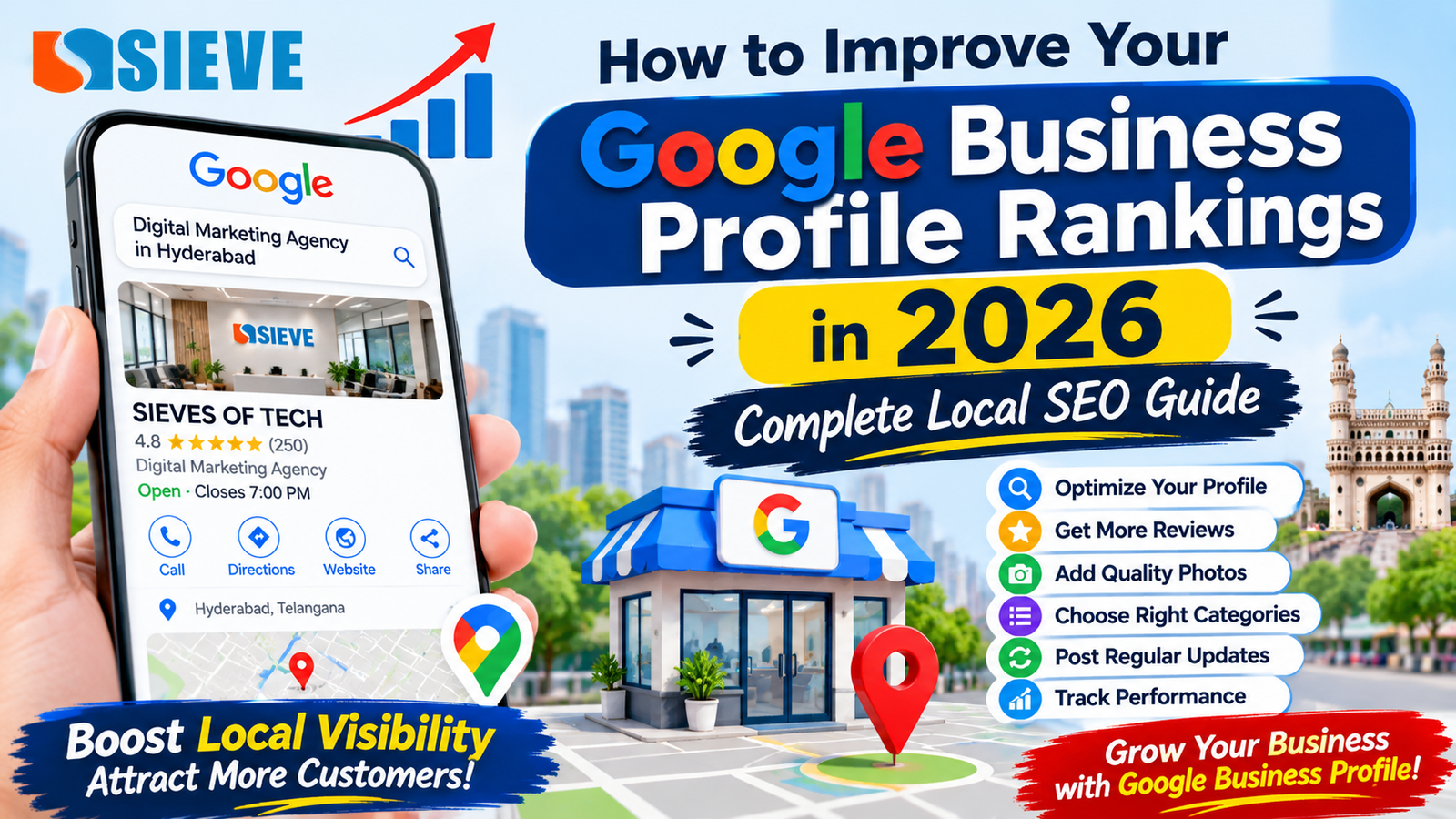
How to Improve Your Google Business Profile Rankings in 2026
Introduction
When people search for local businesses on Google, they often choose companies that appear in Google Maps and local search results. Whether someone is looking for a digital marketing agency, restaurant, hospital, salon, or service provider, Google Business Profile helps customers discover nearby businesses.
For businesses, having a Google Business Profile is an important step towards building an online presence. However, simply creating a profile does not guarantee better visibility or higher rankings.
Businesses need to keep their information accurate, select the right categories, add genuine photographs, collect customer reviews, and maintain a strong local SEO strategy.
In 2026, Google Business Profile optimization remains an important part of local SEO. A properly managed profile can help businesses improve their local visibility, attract potential customers, and generate more calls, website visits, and enquiries.
In this guide, we explain how to improve your Google Business Profile rankings with practical steps that businesses can follow.
1. What Is Google Business Profile?
Google Business Profile (GBP), previously known as Google My Business, is a free Google tool that allows eligible businesses to manage how their information appears on Google Search and Google Maps.
Customers can discover important business information, including:
- Business name.
- Business address.
- Contact number.
- Website link.
- Opening hours.
- Customer reviews.
- Business photographs.
- Products and services.
- Business updates.
For example, when someone searches for “digital marketing agency in Hyderabad”, Google may display relevant businesses in local search results and Google Maps.
A complete and accurate profile helps customers understand what your business offers and how to contact you.
2. Understand How Google Maps Rankings Work
Before optimising your profile, it is important to understand how Google determines local search rankings.
Google identifies three main factors:
A. Relevance
Relevance refers to how closely your business profile matches what a customer is searching for.
For example, if someone searches for “SEO services in Hyderabad”, Google looks for businesses whose information is relevant to SEO services.
You can improve relevance by:
- Selecting accurate business categories.
- Adding genuine services.
- Writing a clear business description.
- Providing complete business information.
- Maintaining relevant website content.
B. Distance
Distance refers to how far your business is from the person searching.
For example, someone searching for a restaurant near Madhapur may see businesses located closer to Madhapur.
You cannot directly control a searcher’s location or change your real business location to improve rankings. Always provide your genuine business address or eligible service area.
C. Prominence
Prominence refers to how well-known your business is.
Google considers information such as reviews and links from other websites when assessing how prominent a business is.
You can work on prominence through:
- Genuine customer reviews.
- Quality website content.
- Relevant local backlinks.
- Consistent business information.
- Positive customer experiences.
These three factors work together. No single optimisation guarantees the top position.
3. Complete and Verify Your Google Business Profile
The first step is to claim and verify your business profile.
Verification helps Google confirm that you are authorised to manage the business.
After verification, review all available profile information.
Important details to complete:
- Official business name.
- Correct business address.
- Primary contact number.
- Website URL.
- Business hours.
- Special holiday hours.
- Business category.
- Service information.
For example, if your business is located in Hyderabad, make sure the address and map pin accurately identify the actual business location.
Do not add incorrect addresses, virtual offices, or misleading information.
4. Choose the Right Primary and Secondary Categories
Business categories help Google understand what your company does.
Your primary category should describe your main business activity as accurately as possible.
For example:
| Business Type | Possible Primary Category |
|---|---|
| Digital marketing company | Internet marketing service |
| Courier company | Courier service |
| Hospital | Hospital |
| Restaurant | Restaurant |
| Software company | Software company |
The available categories may vary, so select the closest accurate option shown in your profile.
You can also add relevant secondary categories when your business genuinely provides those services.
Example for a digital marketing agency:
- Primary category: Internet marketing service.
- Secondary category: Marketing agency, if available and appropriate.
- Additional category: Website designer, if this is a genuine business service and the category is available.
Do not add unrelated categories simply to appear in more searches.
5. Write an SEO-Friendly Business Description
Your business description helps customers understand your services, experience, and business focus.
Google allows up to 750 characters for the description.
A good description should explain:
- What your business does.
- Which services you provide.
- Who your target customers are.
- What makes your business useful.
- Where you serve customers, when relevant.
Example business description for SIEVES OF TECH:
“SIEVES OF TECH helps businesses strengthen their online presence through digital marketing and technology solutions. Our services include search engine optimisation (SEO), local SEO, website design and development, social media marketing, Google Ads and content marketing. We focus on helping businesses improve online visibility, connect with potential customers, and support long-term digital growth.
Use only details that accurately represent your business.
Avoid keyword stuffing, promotional offers, and unsupported claims.
6. Add All Relevant Products and Services
Adding your genuine products and services helps customers understand what your business offers.
For a digital marketing agency, relevant services may include:
- Search Engine Optimisation (SEO).
- Local SEO.
- Google Business Profile Management.
- Social Media Marketing.
- Google Ads Management.
- Website Design.
- Website Development.
- Content Marketing.
- Online Reputation Management.
Write a short, clear description for each service.
For example:
Local SEO Services: Improve your business’s local online presence through Google Business Profile optimisation, local keyword research, business information management, and review management.
Use accurate service names and descriptions. Do not add services that your business does not provide.
7. Upload High-Quality Business Photos and Videos
Photos help customers understand your business before visiting or contacting you.
A profile with genuine, useful images gives customers a better idea of your workplace, team and services.
Recommended photos for businesses:
- Company logo.
- Professional cover photo.
- Office entrance with business signage.
- Reception and office interior.
- Team working photographs.
- Founder and team photographs.
- Genuine client meeting photographs, with permission.
- Project screenshots and completed work.
- Product and service photographs.
- Short company introduction videos.
For SIEVES OF TECH, genuine office, team, project and service photographs can help communicate the company’s identity and work.
Use original images rather than stock photographs that falsely represent your business.
8. Get Genuine Google Customer Reviews
Customer reviews are important for building trust and supporting your business’s local prominence.
Many potential customers read reviews before contacting a business.
A strong review strategy should focus on genuine customer experiences.
How to get more authentic reviews:
- Ask satisfied customers for honest feedback.
- Share your official Google review link.
- Send a polite review request after completing a service.
- Make it easy for customers to leave feedback.
- Respond professionally to reviews.
- Address customer concerns.
Example review request message:
“Thank you for choosing our services. We appreciate your support. If you have a moment, please share your honest experience through our Google review link. Your feedback helps us improve.”
Never purchase fake reviews, offer incentives in exchange for positive reviews, or ask only for favourable feedback.
9. Respond to Every Customer Review
Responding to reviews shows that your business values customer feedback.
A professional response can also help build trust with future customers.
Example positive review response:
“Thank you for sharing your experience with us. We appreciate your support and are happy to know that you were satisfied with our services. We look forward to working with you again.”
Example negative review response:
“Thank you for your feedback. We are sorry to hear that your experience did not meet your expectations. We take customer concerns seriously and would appreciate the opportunity to understand the issue and resolve it.”
Keep responses polite, helpful, and personal. Avoid sharing private customer information.
10. Publish Regular Google Business Profile Updates
Google Business Profile posts allow businesses to share relevant updates with customers.
You can use available post formats to communicate information about your products, services, offers, and events.
Post ideas for businesses:
- New service announcements.
- Company updates.
- Product launches.
- Special events.
- Educational tips.
- Project highlights.
- Seasonal updates.
- Useful blog articles.
For example, SIEVES OF TECH can share a short update about local SEO services, explain the benefits of website optimisation, or introduce a new blog.
Make sure every update is accurate, useful, and relevant to your audience.
Posting regularly can help customers discover current information, although posting frequency alone does not guarantee higher rankings.
11. Optimise Your Website for Local SEO
Google Business Profile and your website should support each other.
Your website provides additional information about your business, services, location, and expertise.
Important website SEO improvements:
- Add relevant local keywords naturally.
- Create useful service pages.
- Include accurate contact information.
- Add your genuine business address where appropriate.
- Make your website mobile-friendly.
- Improve page loading speed.
- Add relevant internal links.
- Use descriptive page titles and meta descriptions.
- Add appropriate LocalBusiness structured data.
- Maintain consistent business information.
For example, a digital marketing agency in Hyderabad can create a detailed page explaining its SEO services, target customers, approach, and business contact details.
Avoid creating multiple nearly identical location pages just to target different neighbourhood keywords.
12. Maintain Consistent Business Information Across the Internet
Your business name, address, and phone number should be accurate and consistent across important online platforms.
This information is often called NAP: Name, Address, and Phone Number.
Check your details on:
- Official business website.
- Google Business Profile.
- Relevant business directories.
- Social media accounts.
- Industry-specific listing websites.
If your business changes its phone number, address, or opening hours, update the information wherever necessary.
Consistent details help customers identify the correct business and contact it easily.
13. Build Quality Local Backlinks
Backlinks are links from other websites to your website.
Relevant links can help strengthen your website’s authority and online visibility.
Businesses can explore legitimate opportunities such as:
- Local business associations.
- Industry directories.
- Local news publications.
- Genuine business partnerships.
- Relevant guest articles.
- Community event websites.
- Supplier and partner websites.
Focus on relevant, trustworthy websites rather than purchasing large numbers of low-quality links.
Local SEO is about building genuine business credibility, not manipulating search results.
14. Track Google Business Profile Performance
Optimisation should be measured regularly.
Google Business Profile performance data can help eligible businesses understand how customers discover and interact with their profiles.
Important measurements include:
- Profile views.
- Search terms used to discover your business.
- Calls.
- Website clicks.
- Direction requests.
- Other available customer interactions.
You can also use Google Analytics 4 to understand website visits and conversions from your online marketing activities.
For better reporting, track actual enquiries and customers rather than focusing only on profile views.
15. Common Google Business Profile Mistakes to Avoid
Some businesses make mistakes that can affect their visibility, trust and profile compliance.
Avoid these common problems:
1. Keyword stuffing in the business name: Use your real-world business name, not additional services or location keywords.
2. Incorrect business categories: Select only categories that genuinely describe your business.
3. Fake reviews: Never buy reviews or create reviews from fake accounts.
4. Incorrect contact details: Keep your phone number, address, and website accurate.
5. Duplicate profiles: Avoid creating multiple profiles for the same eligible business location.
6. Low-quality photographs: Use genuine and clear images that represent your business.
7. Ignoring customer reviews: Respond professionally to feedback.
8. Incorrect business hours: Keep regular and special hours updated.
9. Misleading service areas: Add only areas that your business genuinely serves.
Following Google’s guidelines helps protect your profile and supports long-term local SEO efforts.
16. Google Business Profile Optimization Checklist for 2026
Use this practical checklist to review your business profile.
- Claim and verify your profile.
- Use your correct business name.
- Select the most relevant primary category.
- Add appropriate secondary categories.
- Verify address and map location.
- Update phone number and website.
- Add accurate business hours.
- Write a clear business description.
- Add genuine products and services.
- Upload real business photographs.
- Publish relevant updates.
- Request genuine customer reviews.
- Respond to customer feedback.
- Improve website local SEO.
- Maintain consistent business information.
- Monitor profile performance regularly.
Conclusion
Improving Google Business Profile rankings in 2026 requires consistent work, accurate information, and a strong local SEO strategy.
Start by verifying your profile, choosing the correct business category and completing every relevant field. Then focus on genuine customer reviews, high-quality photographs, useful updates, website optimisation and local business credibility.
Remember that Google local rankings depend mainly on relevance, distance and prominence. No agency or tool can guarantee the number-one position.
By following the right Google Business Profile optimization practices, businesses can improve their chances of appearing in relevant local searches, build customer trust and generate more enquiries.
At SIEVES OF TECH, we help businesses strengthen their digital presence through SEO, Local SEO, Google Business Profile management, website development and digital marketing solutions.
Contact SIEVES OF TECH to explore how a practical local SEO strategy can support your business growth.
Frequently Asked Questions
1. How can I improve my Google Business Profile rankings in 2026?
Verify your profile, choose accurate business categories, complete your information, add genuine photographs, collect authentic reviews, and improve your website’s local SEO.
2. Is Google Business Profile free?
Yes. Creating and managing a Google Business Profile is free for eligible businesses.
3. How long does it take to rank higher on Google Maps?
There is no fixed timeline. Results depend on competition, distance, relevance, prominence and the current condition of your profile.
4. Do Google reviews help local SEO rankings?
Google confirms that review quantity and positive ratings can contribute to local prominence. Genuine reviews also help potential customers make decisions.
5. How many photos should I upload to Google Business Profile?
There is no guaranteed number that improves rankings. Upload enough genuine, high-quality photographs to clearly represent your business, workplace, team, and services.
6. Do Google Business Profile posts improve rankings?
Posts help businesses share current information and engage customers. Google does not guarantee that publishing posts regularly will directly improve rankings.
7. What is the most important Google Business Profile ranking factor?
Google identifies relevance, distance, and prominence as the main local ranking factors. The importance of each factor can vary depending on the search.
8. Can I add keywords to my Google Business Profile name?
No. Your profile name should match your real-world business name. Adding extra keywords or locations can violate Google’s guidelines.
9. Why is my business not showing on Google Maps?
Possible reasons include incomplete verification, incorrect business information, profile eligibility issues, low relevance to the search, or distance from the searcher. Review your profile status and Google guidelines.
10. Can a digital marketing agency manage my Google Business Profile?
Yes. An authorised agency can help manage eligible profile information, reviews, photographs, posts, and local SEO activities. The business should retain ownership and control of its profile.