
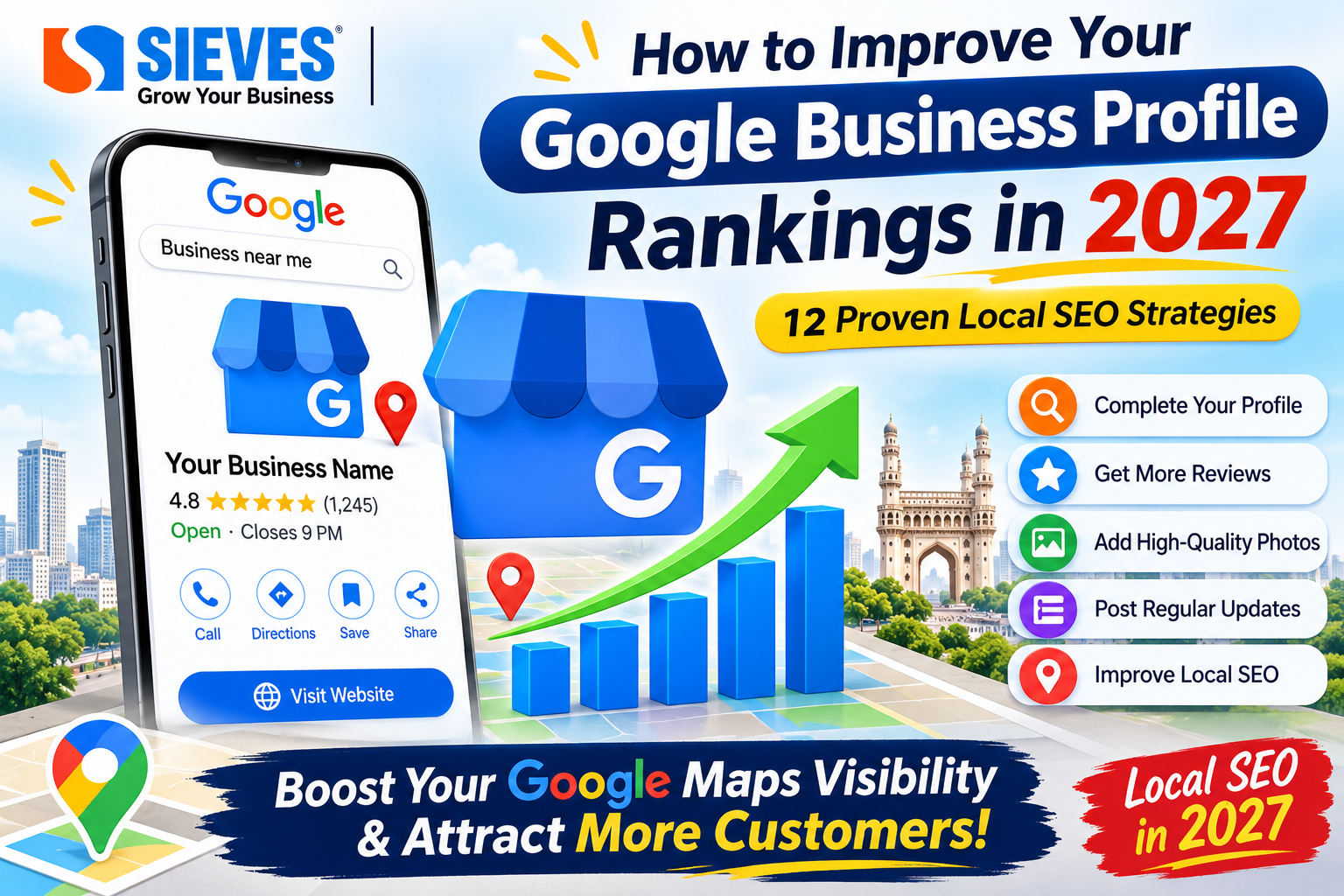
How to Improve Your Google Business Profile Rankings in 2027
Introduction
When people search for products or services near them, they often check Google Search and Google Maps before making a decision. They look for nearby businesses, compare reviews, check opening hours, view photos, and contact the business directly.
This makes Google Business Profile (GBP) an important part of Local SEO. A properly managed profile can help customers discover your business, understand your services, and contact you.
In 2027, businesses should focus on maintaining accurate information, building customer trust, collecting genuine reviews, sharing useful photos and improving their overall online presence. Simply creating a Google Business Profile is not enough. You need to manage and update it regularly.
In this guide, we will explain how to improve your Google Business Profile rankings in 2027 using practical optimization strategies.
What Is Google Business Profile Optimization?
Google Business Profile optimization is the process of improving your business listing on Google so that customers can easily find accurate information about your business.
It includes updating your business name, category, address, phone number, website, working hours, services, business description, photos, and customer reviews.
For example, imagine someone searches for “digital marketing agency near me”. Google may display a list of relevant agencies on Google Maps.
A well-maintained profile gives Google and potential customers useful information about your business.
The main goal of GBP optimization is to improve local visibility, build trust, and generate more enquiries, calls, website visits, and customer visits.
How Does Google Rank Local Businesses?
Google explains that local search results are mainly based on three factors:
1. Relevance
Relevance means how closely your business profile matches what a customer searches for.
For example, if someone searches for “SEO services in Hyderabad”, Google looks for businesses that provide relevant SEO services.
How to improve relevance:
- Select the correct primary business category.
- Add relevant secondary categories where applicable.
- List the actual services your business provides.
- Write a clear business description.
- Keep your website content consistent with your services.
2. Distance
Distance refers to how far your business is from the person searching or the location mentioned in their search.
For example, a person searching for “salon near Kukatpally” may see businesses located around Kukatpally.
You cannot directly control the searcher’s location or force Google to show your business in every area.
How to manage location information:
- Enter your correct business address.
- Set accurate service areas if your business travels to customers.
- Make sure your map pin is placed correctly.
- Keep your location information consistent online.
3. Prominence
Prominence refers to how well-known your business is. Google considers information such as reviews and links from other websites when assessing how prominent a business is.
How to build prominence:
- Encourage genuine customer reviews.
- Respond to customer feedback.
- Build relevant local website links and mentions.
- Maintain an accurate website.
- Keep your business information consistent across online directories.
These three factors are the foundation of local rankings. Improving your profile can help, but no optimization method guarantees a particular position.
12 Google Business Profile Optimization Strategies for 2027
1. Complete Your Business Profile Information
The first step is to complete all the important sections of your Google Business Profile.
Check that the following information is accurate:
- Business name
- Primary business category
- Secondary categories, where relevant
- Business address
- Phone number
- Website URL
- Business hours
- Business description
- Service areas
- Available business attributes
Incomplete or outdated information can confuse customers and make it harder for them to understand your business.
Practical tip: Review your profile at least once a month and update any changes to your business information.
2. Choose the Right Primary and Secondary Categories
Business categories help Google understand what your business does.
Your primary category should describe your main business activity. Secondary categories should represent other genuine services or business activities.
For example, a digital marketing agency may choose a category that accurately describes its main business. It should only add other categories if they genuinely apply and are available.
Best practices:
- Choose the most accurate primary category.
- Add only relevant secondary categories.
- Check categories used by genuine local competitors.
- Avoid selecting unrelated categories just to appear in more searches.
Remember that categories should describe your actual business, not act as a list of keywords.
3. Write an SEO-Friendly Business Description
Your business description helps customers understand what you offer and what makes your business different.
Write naturally and include your main services and location where relevant.
For example:
” SIEVES OF TECH is a digital marketing company providing SEO, website development, social media marketing, Google Ads and online marketing solutions. We help businesses improve their online presence, reach potential customers and build their digital growth through practical marketing strategies.”
Business description tips:
- Explain what your business offers.
- Mention your important services.
- Include relevant location information naturally.
- Highlight what makes your business useful.
- Avoid keyword stuffing and unsupported claims.
- Follow Google’s description guidelines.
Google allows up to 750 characters in the business description. Do not add website URLs or HTML code to this field.
4. Add Your Services With Clear Descriptions
Adding accurate services helps customers understand exactly what your business provides.
For example, a digital marketing agency could list:
- Search Engine Optimization (SEO)
- Local SEO
- Google Business Profile Optimization
- Social Media Marketing
- Google Ads Management
- Website Development
- Content Marketing
- Online Reputation Management
Write a short, useful description for each service where the option is available.
For example:
Local SEO Services: Improve your business’s local online presence through Google Business Profile optimization, local keyword research, business listings, and location-focused website content.
Do not add services that your business does not actually provide.
5. Get Genuine Customer Reviews Regularly
Customer reviews are an important part of building trust and local prominence.
People often check reviews before choosing a nearby business. Positive customer experiences and helpful business responses can also help your profile stand out.
How to get more genuine reviews:
- Ask customers for feedback after completing a service.
- Share your official Google review link.
- Send a polite review request through WhatsApp or email.
- Make the review process simple.
- Thank customers who share feedback.
How to respond to reviews:
For positive reviews, thank customers and mention their experience.
For negative reviews, respond politely, understand the issue, and offer a suitable way to resolve it.
Avoid buying reviews, offering rewards in exchange for positive reviews, or posting fake feedback. Reviews should reflect genuine customer experiences.
6. Upload High-Quality Photos and Videos
Photos help customers understand what your business looks like and what you offer.
A profile with genuine, useful images gives potential customers more confidence before contacting or visiting you.
Consider uploading:
- Business logo
- Cover photo
- Office exterior
- Reception and interior photos
- Team photos
- Product images
- Service-related photos
- Completed project images
- Short business introduction videos
Photo optimization tips:
- Use clear, well-lit images.
- Upload genuine photos of your business.
- Avoid excessive filters or misleading edits.
- Update your photos when your business changes.
- Use images that help customers understand your products or services.
Do not upload unrelated stock images as if they show your actual business.
7. Publish Regular Google Business Profile Posts
Google Business Profile posts allow eligible businesses to share updates, offers, events and other useful information.
You can use posts to keep customers informed about your business.
Content ideas for 2027:
- New service announcements
- Business updates
- Product launches
- Seasonal offers
- Events and promotions
- Customer success stories, with permission
- Educational tips
- Important business announcements
For example, a digital marketing agency can publish a post titled “Why Local SEO Matters for Small Businesses in 2027”.
Include a relevant image, clear information, and an appropriate action button where available.
Focus on useful content rather than publishing repetitive promotional posts.
8. Optimize Your Website for Local SEO
Your website and Google Business Profile should provide consistent information about your business.
A strong website supports your overall online presence and helps customers learn more about your services.
Website Local SEO checklist:
- Add your correct business name, address, and phone number.
- Create dedicated pages for important services.
- Include relevant location information naturally.
- Add clear contact details.
- Make your website mobile-friendly.
- Improve website loading speed.
- Add genuine customer testimonials.
- Link to your Google Business Profile where appropriate.
For example, a Hyderabad-based digital marketing agency can create a useful service page targeting “Local SEO Services in Hyderabad”.
The page should explain the service, its benefits, and how customers can enquire.
9. Maintain Consistent Business Information Online
Your business details should be accurate across your website, Google Business Profile, and relevant business directories.
This includes:
- Business name
- Address
- Phone number
- Website
- Business category
If your phone number or address changes, update the information on all important platforms.
Avoid creating duplicate listings for the same business location. If you have multiple genuine branches, each profile should represent an eligible, separate business location and follow Google’s guidelines.
10. Use Accurate Service Areas and Business Hours
Service-area settings are useful for businesses that travel to customers, provide home services, or deliver products.
For example, a home service business in Hyderabad may serve areas such as Kukatpally, KPHB, and Miyapur, if it genuinely provides services there.
Best practices:
- Add only areas you actually serve.
- Keep your business address accurate.
- Hide your address if you operate as a service-area business and do not receive customers there.
- Update regular opening hours.
- Add special hours for holidays.
- Check that your contact number is working.
Do not add locations simply to target more keywords.
11. Track Your Google Business Profile Performance
Optimization without measurement makes it difficult to understand what is working.
Use the performance information available in your Business Profile to monitor customer interactions.
Important metrics include:
- Searches that show your profile
- Profile views
- Calls
- Website clicks
- Direction requests
- Other available customer interactions
You can also use Google Search Console and website analytics to understand how local visitors reach your website.
Practical tip: Record your performance every month and compare it with previous months. Check whether your updates are helping generate more customer enquiries.
For local ranking checks, compare the same keywords across different locations. A business may appear in different positions depending on where the searcher is located.
12. Build Local Authority Through Relevant Mentions and Links
Your business website can benefit from relevant mentions and links from trusted local sources.
Consider opportunities such as:
- Local business directories
- Industry association websites
- Local business partnerships
- Relevant community websites
- Genuine local news or business features
- Industry-related guest articles
Make sure the websites and mentions are relevant to your business.
Avoid buying large numbers of low-quality backlinks or participating in spammy link schemes.
Common Google Business Profile Mistakes to Avoid in 2027
Many businesses make mistakes that can reduce trust or create profile problems.
Avoid these practices:
- Keyword stuffing in the business name: Use the real-world business name, not extra search keywords.
- Wrong business categories: Select categories that accurately describe your business.
- Fake customer reviews: Ask only for genuine customer feedback.
- Duplicate profiles: Avoid multiple profiles for the same business location.
- Incorrect address: Use the real business address or the correct service-area setup.
- Outdated business hours: Update holidays and temporary changes.
- Unrelated photos: Upload genuine images that represent your business.
- Ignoring customer reviews: Respond professionally to customer feedback.
- Unnecessary service areas: List only the areas you genuinely serve.
- Expecting instant rankings: Local SEO takes consistent effort, and results are not guaranteed.
How Long Does It Take to Improve Google Business Profile Rankings?
There is no fixed timeline for improving Google Business Profile rankings.
Your results depend on several factors, including competition, relevance, distance, prominence, business category, location and the quality of your online presence.
Some profile improvements may make information clearer to customers quickly, while improvements in local visibility can take longer.
Instead of expecting instant results, focus on consistent optimization and track your performance over time.
Future of Google Business Profile Optimization in 2027
Local search will continue to be important for businesses that depend on nearby customers.
In 2027, businesses should pay attention to a few important areas:
1. Helpful and accurate business information: Customers need reliable details about services, location, contact information, and opening hours.
2. Genuine customer experiences: Authentic reviews, useful responses, and real business photos help customers make informed decisions.
3. Mobile and conversational searches: Businesses should make sure their information is clear and easy to access when people search using mobile devices or natural-language queries.
4. Strong website and local content: Useful service pages and location-focused information can support a business’s overall local online presence.
5. Better performance tracking: Businesses should measure customer actions and enquiries instead of focusing only on rankings.
These are practical areas to prepare for in 2027, not guaranteed new Google ranking factors.
Conclusion
Google Business Profile optimization is an important part of Local SEO in 2027. Businesses that maintain accurate information, select the right categories, list their services, collect genuine reviews, and share useful photos can build a stronger local online presence.
Remember that Google local rankings mainly depend on relevance, distance, and prominence. You cannot control every factor, but you can improve the accuracy, quality, and usefulness of your business information.
If you want to improve your Google Maps visibility, start by auditing your existing profile, fixing incorrect details, and following a consistent optimization plan.
SIEVES OF TECH helps businesses strengthen their digital presence through SEO, Local SEO, Google Business Profile optimization, website development, and digital marketing services.
Frequently Asked Questions (FAQs)
1. How can I improve my Google Business Profile ranking in 2027?
Complete your business information, choose accurate categories, add relevant services, collect genuine reviews, upload real photos, and optimize your website for Local SEO.
2. What are the main Google Maps ranking factors?
Google says local rankings are mainly based on relevance, distance, and prominence.
3. How many reviews do I need to rank higher on Google Maps?
There is no fixed number of reviews required to rank. Focus on collecting genuine customer feedback consistently rather than chasing a specific review count.
4. Do Google Business Profile posts improve rankings?
Posts can help share useful updates and engage customers. Google does not promise that publishing posts will directly improve your ranking.
5. How often should I update my Google Business Profile?
Update your profile whenever business information changes. Review it regularly and add useful updates, photos, and service information when relevant.
6. Can I rank my business in multiple locations?
Your visibility can vary across locations. Use accurate service areas where applicable and create separate profiles only for eligible, genuine business locations that follow Google’s guidelines.
7. Does adding keywords to my business name improve ranking?
No. Your business name should reflect the name used in the real world. Adding unnecessary keywords can violate Google’s guidelines and put your profile at risk.
8. Is Google Business Profile optimization free?
Creating and managing a Google Business Profile is free. Businesses may choose to pay professionals or agencies for optimization and Local SEO services.